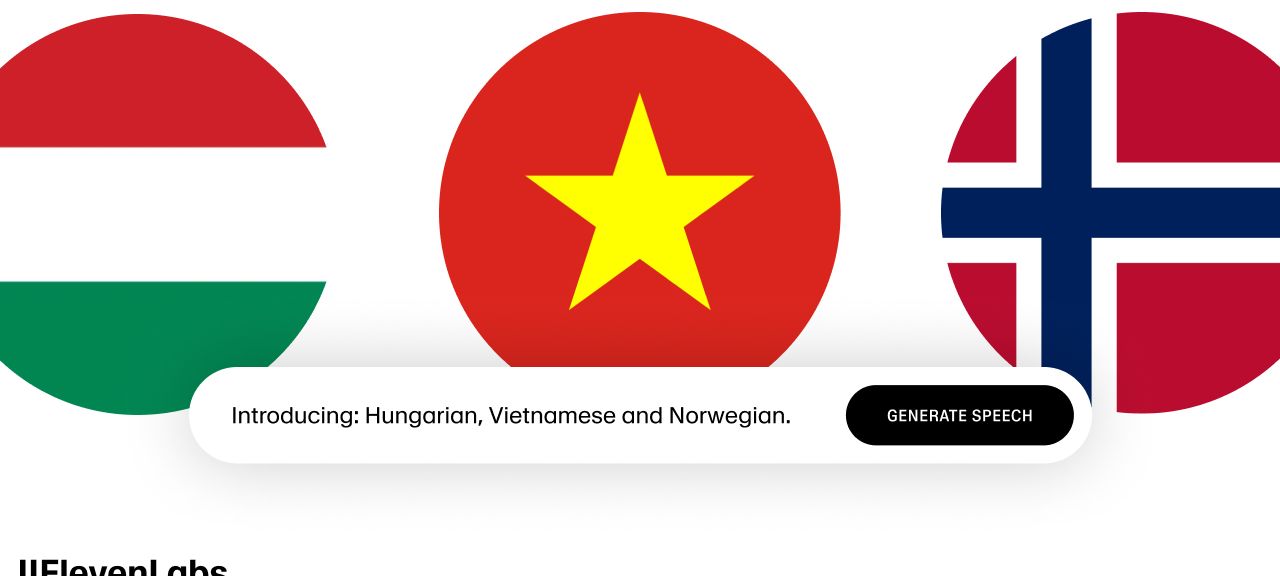
Concept 1: What Was Added and Why It Matters
ElevenLabs Text-to-Speech has added 3 new languages:
| Language | Number of Speakers |
|---|---|
| Vietnamese | ~97 million |
| Hungarian | ~13 million |
| Norwegian | ~5 million |
This brings their total language support to 70+
Why This Is Important:
- ✅ Reaches new audiences globally
- ✅ Improves content accessibility
- ✅ Increases user engagement
- ✅ Builds stronger connections with local communities
Concept 2: Which Model Powers These Languages
These new languages run on the Turbo v2.5 model
You can use it in 3 ways:
- 🎙️ Speech Synthesis → Quick text-to-speech conversion
- 📄 Studio → Long-form content creation
- 🔧 API → Build it into your own product/workflow
Bonus: You can also clone your voice and convert it into any of the 70+ supported languages
Concept 3: How To Access These New Languages
Step-by-Step Guide:
Step 1: Go to Speech Synthesis
Step 2: Click Settings
Step 3: Click Models
Step 4: Select Eleven Turbo v2.5
Concept 4: How To Get The Best Results
For optimal output, use a voice with a matching accent
Step-by-Step Guide:
Step 1: Click Voices on the left tab
Step 2: Click Add a New Voice
Step 3: Select Voice Library
Step 4: Use the top-left filter to search your target language
Step 5: Choose your preferred voice → Click Add to My Voices
Step 6: Name it or keep the default name
Your new voice will now appear in your Voice Library ready for use
Concept 5: Current Limitations
⚠️ These new languages are NOT yet available in:
- ❌ Dubbing
- ❌ Reader App
✅ However, both features are coming soon, along with:
- More voices specifically trained for these languages
Summary of All 32 Supported Languages
English, Polish, German, Spanish, French, Italian, Hindi, Portuguese, Chinese, Korean, Russian, Dutch, Turkish, Swedish, Indonesian, Filipino, Japanese, Ukrainian, Greek, Czech, Finnish, Romanian, Danish, Bulgarian, Malay, Slovak, Croatian, Classic Arabic, Tamil, Vietnamese 🆕, Hungarian 🆕, and Norwegian 🆕