Step-by-Step Study Guide
Step 1: What Is GeForce NOW? (Foundation Concept)
GeForce NOW is a cloud gaming service.
Think of it this way:
| Traditional Gaming | Cloud Gaming (GeForce NOW) |
|---|---|
| Your device does all the work | NVIDIA's servers do the work |
| Requires expensive hardware | Works on almost any device |
| Needs local installation | Streams games like Netflix streams video |
Key Principle: The cloud handles rendering, meaning your device only needs to display and receive the stream
Step 2: Understanding the Three Major Updates
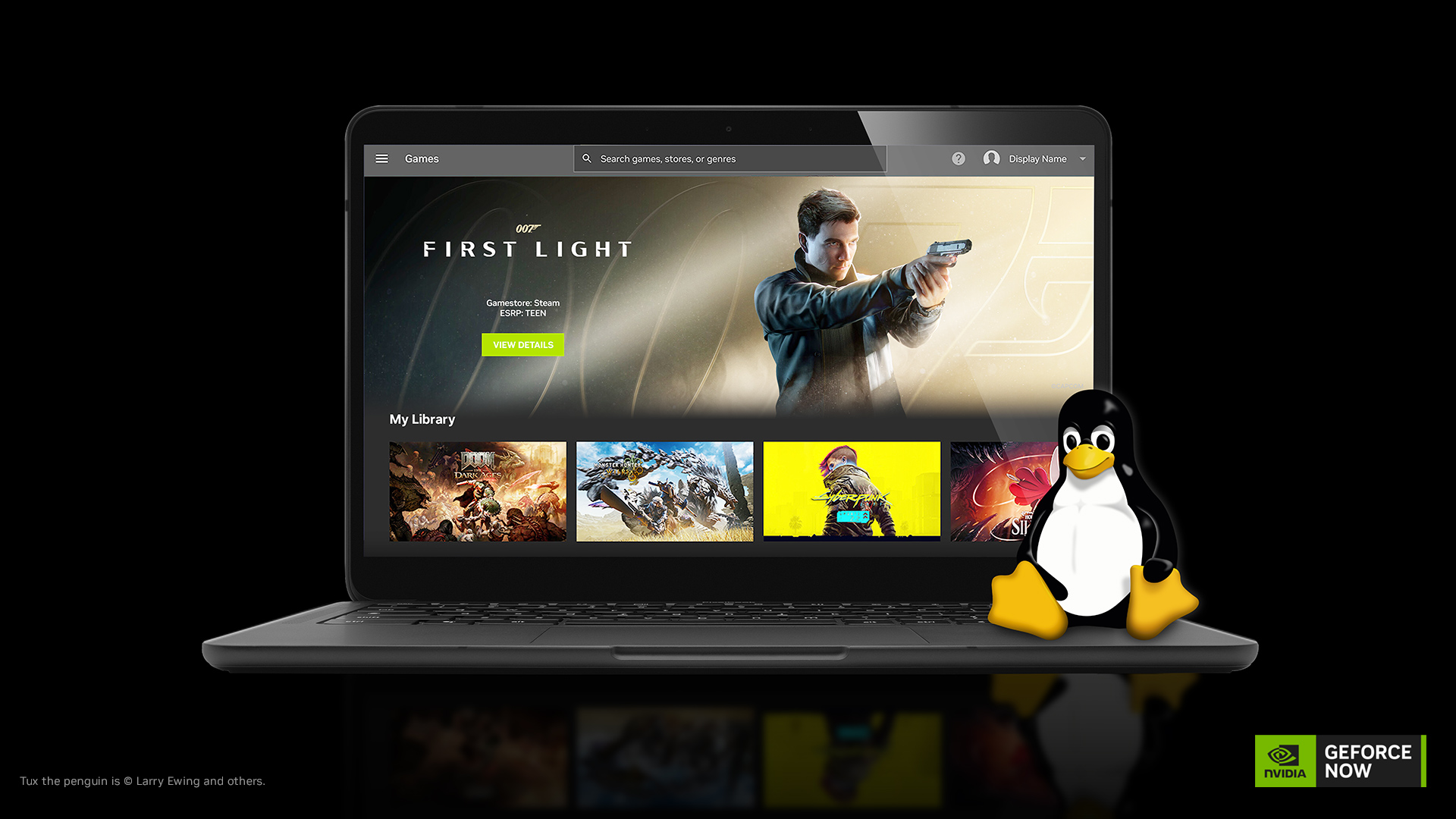
Update 1 — Linux App Leaves Beta
- Previously experimental, now officially stable
- Built on community feedback
- Supports Ubuntu 24.04 and later
- Uses a Flatpak repository for easier installation and updates
Why this matters:
Beta = Testing phase (may have bugs)
Official Release = Stable, polished, reliable
Update 2 — DLSS Frame Generation Optimization
Breaking this down:
- DLSS = Deep Learning Super Sampling (NVIDIA's AI technology)
- Frame Generation = AI creates extra frames to make motion smoother
- The improvement = Reduced latency, making games feel more responsive
Most noticeable when:
- Streaming at 60 or 120 frames per second
- Using 1440p or 4K resolution
Simple analogy: Imagine watching a flipbook. More pages = smoother animation. Frame Generation adds those extra pages using AI
Update 3 — CPU Performance Boost for Performance Members
- Server software optimized for CPU-intensive games
- No action required from users
- No extra cost
- Happens automatically on NVIDIA's side
Step 3: Device Compatibility — Who Can Use GeForce NOW?
✅ Linux computers
✅ Chromebooks
✅ Mac devices
✅ Surface devices
✅ Everyday laptops
✅ Steam Deck
✅ Mobile devices
Special focus — Chromebooks:
Chromebooks are typically used for:
- School assignments
- Browser-based tasks
- Lightweight computing
With GeForce NOW, Chromebooks can also:
- Stream 2,000+ PC games
- Access GeForce RTX performance
- Switch between school mode and gaming mode instantly
Step 4: Chromebook Fast Pass Program
Who qualifies?
- Eligible new Chromebook and Chromebook+ owners
What do you get?
- 1 year of GeForce NOW at no cost
- Priority access
- No ads
This is significant because it lowers the financial barrier to cloud gaming for students
Step 5: New Games Added to the Library
Nine new games were added, including:
| Game | Platform | Release |
|---|---|---|
| Car Wash Simulator | Steam | Aug. 10 |
| Hell Let Loose: Vietnam | Steam | Aug. 13 |
| Monster Hunter Wilds Prologue Demo | Steam | Available now |
| Sandustry | Steam & Xbox | Aug. 13 |
Quick Concept Check ✅
Test your understanding:
Q1: Why don't Linux users need expensive hardware to play RTX games through GeForce NOW?
Answer: Because the cloud servers handle all rendering — your device only displays the stream
Q2: What does DLSS Frame Generation do?
Answer: It uses AI to generate extra frames, making gameplay feel smoother and more responsive
Q3: What is Chromebook Fast Pass?
Answer: A program giving eligible new Chromebook owners one free year of GeForce NOW with priority access and no ads
Q4: What does "leaving beta" mean for the Linux app?
Answer: It moved from an experimental testing phase to an officially stable, polished release
Summary Table
| Feature | Benefit | Who It Helps |
|---|---|---|
| Linux app stable release | Reliable performance on Linux | Linux users |
| DLSS Frame Generation optimization | Lower latency, smoother gameplay | All members |
| CPU performance boost | Better frame rates in demanding games | Performance tier members |
| Chromebook support | Gaming on school devices | Students |
| Chromebook Fast Pass | Free year of service | New Chromebook owners |