Step-by-Step Study Material
Step 1: Understand the Problem Being Solved
The Core Challenge
Agents often run complex, multi-step tasks. Consider this scenario:
Agent starts task → Works in Sandbox A → Task evolves → Needs different tools/runtime → Moves to Sandbox B
Without persistent storage:
- Files created in Sandbox A are lost when moving to Sandbox B
- Agent must restart work from scratch
- No way to share work between multiple agents
This is the problem Vercel Drives solves.
Step 2: What Is Vercel Drives?
Simple Definition
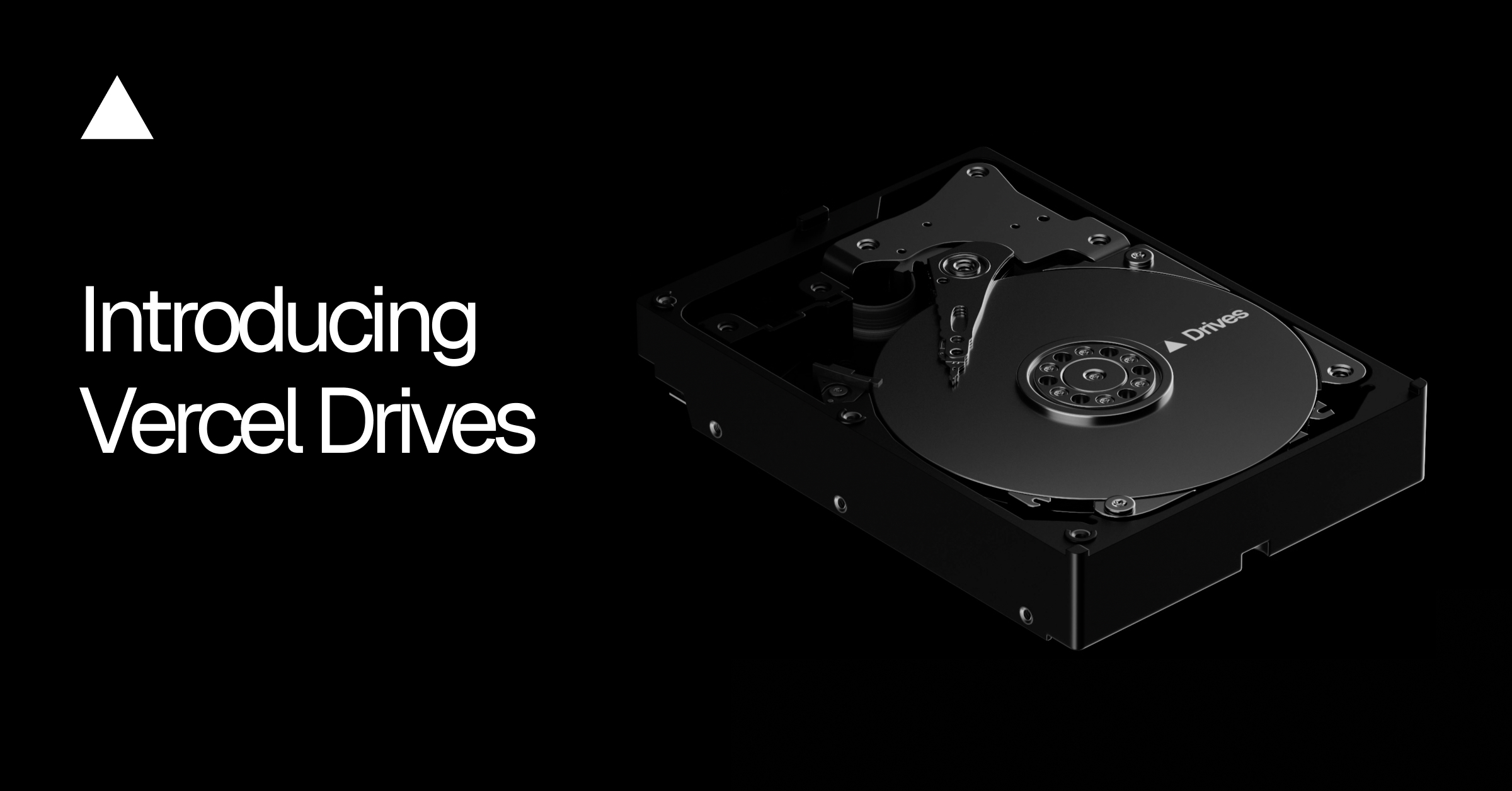
Vercel Drives is persistent, mountable file storage that exists independently of any sandbox environment.
Key Mental Model
┌─────────────────────────────────────────┐
│           VERCEL DRIVE                  │
│   (files live here permanently)         │
└──────────────┬──────────────────────────┘
               │ mount          │ mount
               ▼                ▼
        ┌──────────┐     ┌──────────┐
        │Sandbox A │     │Sandbox B │
        │(Python)  │     │(Node.js) │
        └──────────┘     └──────────┘
The drive persists. The sandboxes are temporary.
Step 3: Core Concepts Explained
Concept 1 — Creating and Mounting a Drive
A drive is created once and mounted into a sandbox at a specific path.
Using the CLI:
# Step 1: Create or retrieve an existing drive
sandbox drives get-or-create agent-workspace

# Step 2: Create a sandbox and mount the drive at /workspace
sandbox create --mount agent-workspace:/workspace
Using the SDK:
import { Sandbox, Drive } from '@vercel/sandbox';

// Step 1: Get or create the drive
const drive = await Drive.getOrCreate({ name: 'agent-workspace' });

// Step 2: Create sandbox with the drive mounted at /workspace
const sandbox = await Sandbox.create({
  mounts: { '/workspace': drive },
});

// Step 3: Do work — this gets saved to the drive
await sandbox.runCommand('git', ['clone', repoUrl, '/workspace/repo']);
What This Means in Practice
| Location | Belongs To | Persists? |
|---|---|---|
/workspace/... | The Drive | ✅ Yes |
| Everything else | The Sandbox | ❌ No |
Concept 2 — Resuming Work Across Sandboxes
Because the drive is independent, a new sandbox can mount the same drive and find everything exactly as the previous sandbox left it.
// Later run — completely new sandbox, same drive
const drive = await Drive.getOrCreate({ name: 'agent-workspace' });

const newSandbox = await Sandbox.create({
  mounts: { '/workspace': drive },
});

// The repo cloned in the previous run is still here!
await newSandbox.runCommand('ls', ['/workspace/repo']);
Key benefit: No file transfers. No rebuilding. Just mount and continue.
Concept 3 — Sharing State Across Multiple Sandboxes
Multiple agents can mount the same drive simultaneously.
Use case example:
Agent 1 builds dataset → saves to drive
        ↓
Agent 2 mounts drive (read-only) → analyzes data
Agent 3 mounts drive (read-only) → generates reports
// Agent 2 and Agent 3 mount the same drive as read-only
const sharedDrive = await Drive.getOrCreate({ name: 'dataset-drive' });

const analyzerSandbox = await Sandbox.create({
  mounts: { '/data': sharedDrive }, // read-only access
});
Why read-only?
- Protects the original dataset
- Multiple agents can read simultaneously without conflict
- Each agent saves its own results separately
Concept 4 — Forking a Drive
Forking creates an independent copy of a drive's current state.
Original Drive (dataset)
        │
        ├──── Fork A (Agent tries Approach 1)
        │
        └──── Fork B (Agent tries Approach 2)
Key rules of forking:
- Each fork starts with the original contents
- Each fork is fully writable and independent
- Changes in Fork A do not affect Fork B or the original
- Forks do not merge back into the original
When to use forking:
- Testing different data transformations in parallel
- Exploring multiple solution paths without risk
- Running experiments that might corrupt data
Step 4: Storage Limits — What You Need to Know
| Plan | Default Storage | Maximum Available |
|---|---|---|
| Hobby | 1 GiB | Up to 16 TiB |
| All others | 1 TiB | Up to 16 TiB |
Step 5: Summary — The Big Picture
VERCEL DRIVES — Core Ideas

1. PERSIST    → Files survive sandbox shutdowns
2. MOUNT      → Attach the same drive to any new sandbox
3. SHARE      → Multiple agents read from one drive
4. FORK       → Independent copies for parallel exploration
When Should You Use Vercel Drives?
- ✅ Agent work spans multiple runs or sessions
- ✅ You need to switch runtimes mid-task
- ✅ Multiple agents need to share a dataset
- ✅ You want to experiment in parallel without risk
When You Do NOT Need It:
- ❌ Single-run, stateless tasks
- ❌ Work that doesn't need to persist between sandboxes
Quick Knowledge Check
Q1: Where must files be saved for them to persist on a drive?
Under the mounted path (e.g.,
/workspace)
Q2: What happens to files outside the mounted path when a sandbox ends?
They are lost — they belong to the sandbox, not the drive
Q3: Can two sandboxes mount the same drive at the same time?
Yes — this enables shared state across agents
Q4: Do forks merge back into the original drive?
No — forks are permanently independent